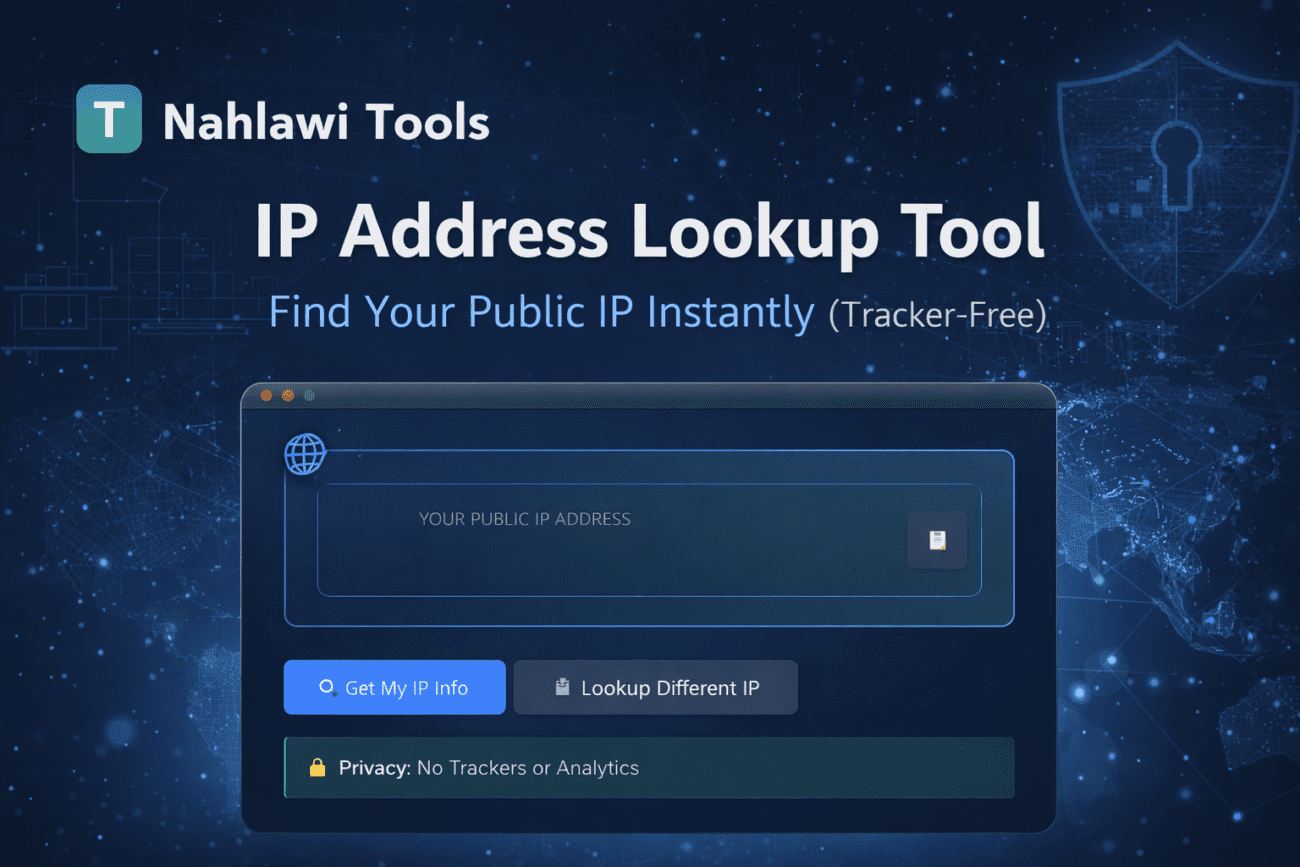

Have you ever wondered what your public IP address is, or needed to check details about a specific IP for troubleshooting, security, or privacy reasons?
An IP address lookup tool makes this simple—instantly showing your public IP address along with helpful technical details, without installing anything or giving up your privacy.
In this article, we’ll explain:
- What an IP address lookup tool does
- When and why you might need one
- How our privacy-focused IP lookup tool works
- Why tracker-free tools matter more than ever
What Is an IP Address?
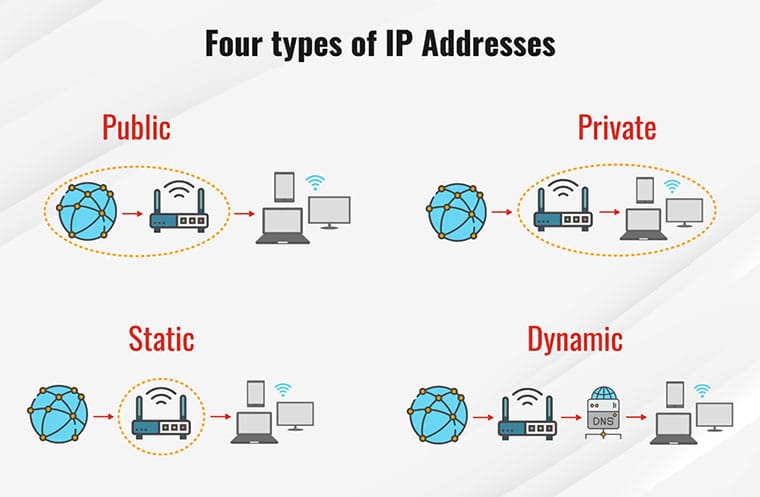
An IP (Internet Protocol) address is a unique identifier assigned to your device when it connects to the internet. It allows websites, servers, and online services to know where to send data back to you.
There are two common types:
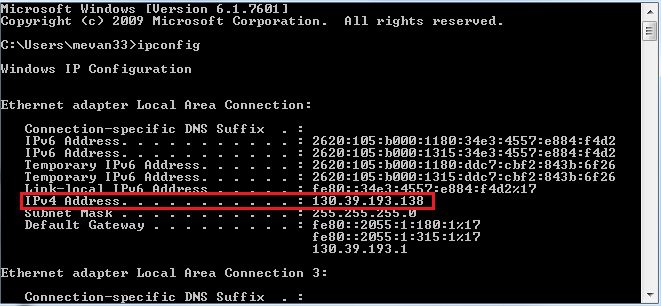
- IPv4 (e.g.,
192.168.1.1) - IPv6 (e.g.,
2001:db8::1)
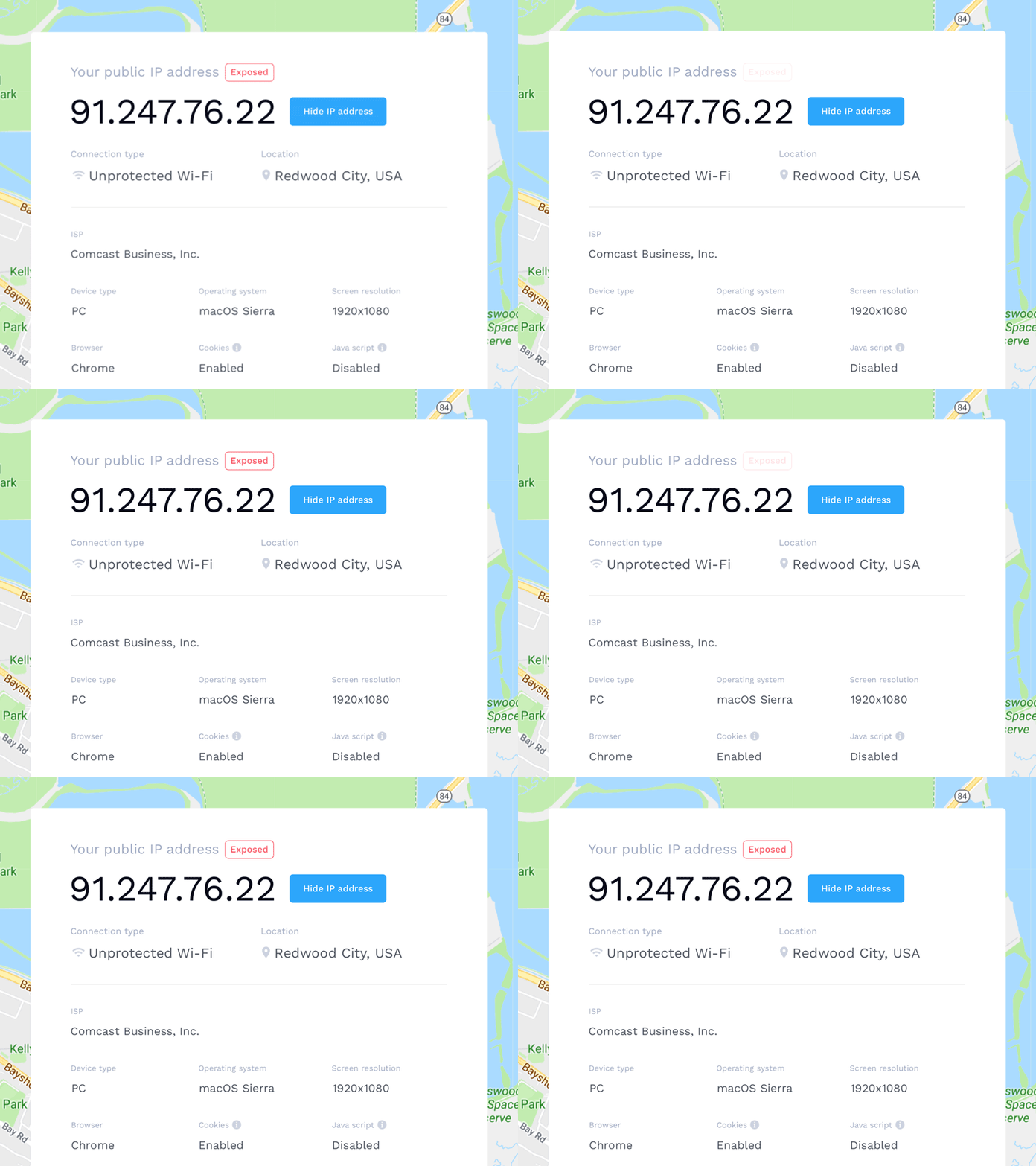
Your public IP address is visible to websites you visit and can reveal general information such as:
- Country or region
- Internet Service Provider (ISP)
- Network type (mobile, broadband, data center)
What Does an IP Address Lookup Tool Do?
An IP lookup tool retrieves and displays information related to an IP address, including:
- Your current public IP
- IP version (IPv4 / IPv6)
- ISP or network provider
- Approximate location (country/region)
- ASN and network metadata
Our tool automatically detects your own public IP on visit, and also allows you to look up any other IP address manually for research or diagnostics.
👉 You can try it here:
https://tools.nahlawi.com/ip-lookup
Common Use Cases for IP Lookup
An IP address lookup tool is useful in many real-world situations:
🔐 Privacy & Security Checks
- Verify whether a VPN is masking your real IP
- Confirm IP changes after switching networks
- Understand what information sites can see
🌐 Network Troubleshooting
- Diagnose connectivity or routing issues
- Check ISP-related problems
- Validate server or API IP addresses
🧑💻 Development & IT Tasks
- Debug API requests and logs
- Identify traffic sources
- Verify IP-based access rules
🧭 General Curiosity
Sometimes you just want a quick answer to:
“What is my IP address right now?”
A Privacy-First IP Lookup Tool (No Trackers, No Analytics)
Many online tools quietly track users, store IPs, or inject analytics scripts.
Our approach is different.
🔒 Built With Privacy in Mind
The IP lookup tool on tools.nahlawi.com is designed to be:
- ❌ No cookies
- ❌ No trackers
- ❌ No analytics scripts
- ❌ No stored lookup history
Your IP is used only to generate the lookup result and is never logged or profiled.
How the Tool Works (In Simple Terms)
When you visit the IP lookup page:
- The tool detects your public IP address
- It fetches metadata using a trusted IP API
- Results are displayed instantly in your browser
- No personal data is saved or shared
You can also paste any IP address to check its public information manually.
Why Use a Simple Online IP Lookup Instead of Browser Extensions?
Browser extensions often:
- Require broad permissions
- Collect usage data
- Stay active even when not needed
A lightweight web-based tool:
- Works instantly
- Requires no installation
- Leaves no digital footprint
For quick checks, simple is safer.

When an IP Lookup Tool Is Especially Useful
- Before posting server logs publicly
- When configuring firewalls or APIs
- While diagnosing VPN or proxy behavior
- When learning about networking basics
Even non-technical users benefit from understanding what information their connection exposes.
Try the IP Address Lookup Tool
If you’re looking for a fast, clean, and privacy-respecting IP address lookup, give our tool a try:
👉 https://tools.nahlawi.com/ip-lookup
It’s free, instant, and built with the same philosophy as the rest of our tools:
useful utilities without compromising user privacy.
Final Thoughts
Your IP address is a small but important part of how you interact with the internet.
Having a transparent, tracker-free IP lookup tool helps you stay informed without trading away your data.
We’ll continue adding practical tools to tools.nahlawi.com, all focused on:
- Simplicity
- Transparency
- Privacy
If you find the tool useful, feel free to bookmark it—or explore our other utilities from the main menu. All tools are Privacy focused and works Offline.
An IP address lookup tool shows information about an IP address, such as its IP version, network provider, and approximate location. It helps users understand what their internet connection reveals publicly.
You can find your public IP address instantly by visiting an IP lookup tool. The tool automatically detects and displays your current public IP when the page loads.
Yes. Most IP lookup tools, including ours, allow you to manually enter any valid IP address to retrieve its public information for research or troubleshooting.
No. This IP address lookup tool is privacy-focused and does not use cookies, trackers, or analytics. IP addresses are not stored or logged.
Yes. An IP lookup tool only displays publicly available information associated with an IP address. It does not reveal personal identities or private data.
No. IP addresses typically reveal only an approximate location, such as country or region—not your exact address.